Enterprise Security Management Systems

Enterprise Security Management System: Unified Access Control, Video & Visitor Management

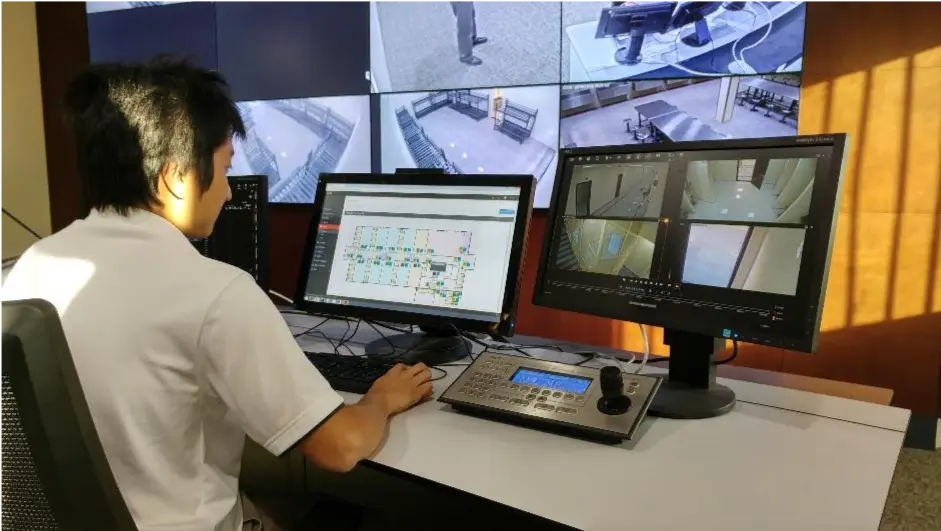
Access control, video, and visitor management — finally, on one screen instead of five logins.

30 Years · Est. 1996
ISO 9001:2015
bizSAFE Level 3
BCA ME04 (L3) Registered

What Does an Enterprise Security Management System Control?

An enterprise security management system typically manages five areas, all under one set of access rules: video surveillance, building automation, elevator access, carpark access, and visitor registration.

IP Video Surveillance

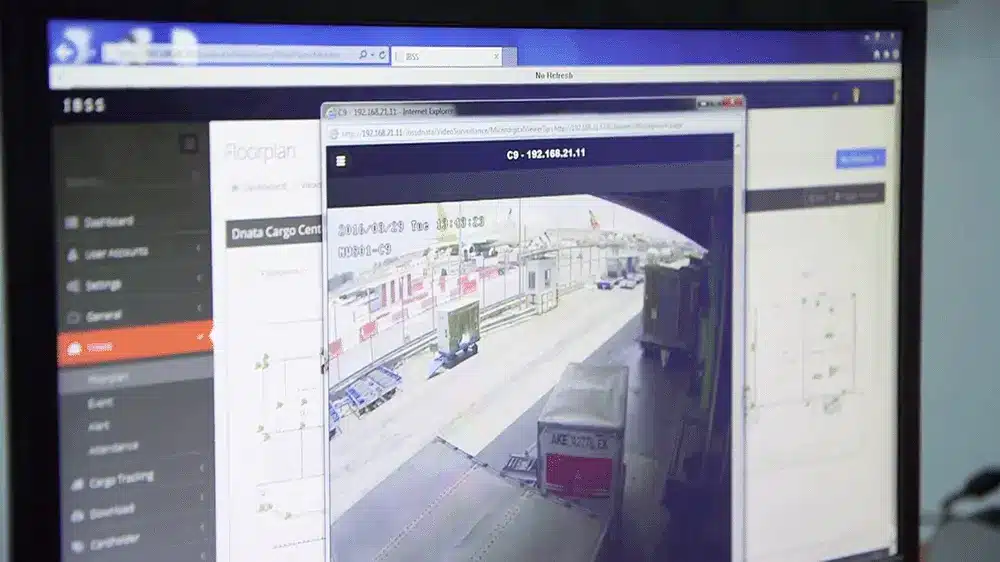
Live and recorded video is linked to access-control events, so a door alarm can automatically bring up the matching camera feed.

Building Automation

Building automation functions can run under the same access rules as doors and gates, so permissions apply consistently across a site.

Elevator Control

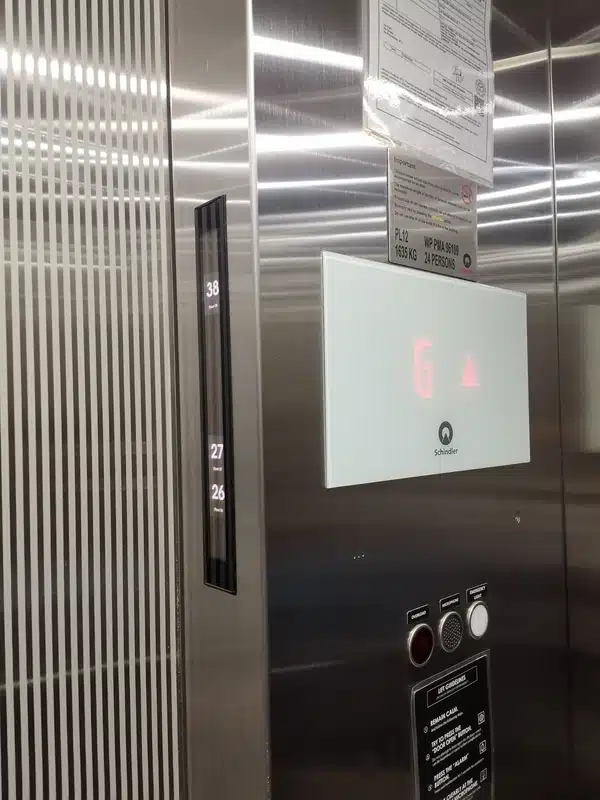
Elevator access can be restricted floor-by-floor by cardholder — the same approach used to secure multi-tenant vertical transportation at Cebu Exchange.

Carpark Management

Vehicle and pedestrian access to car parks is controlled under the same access rights as the rest of the building.

Visitor Management

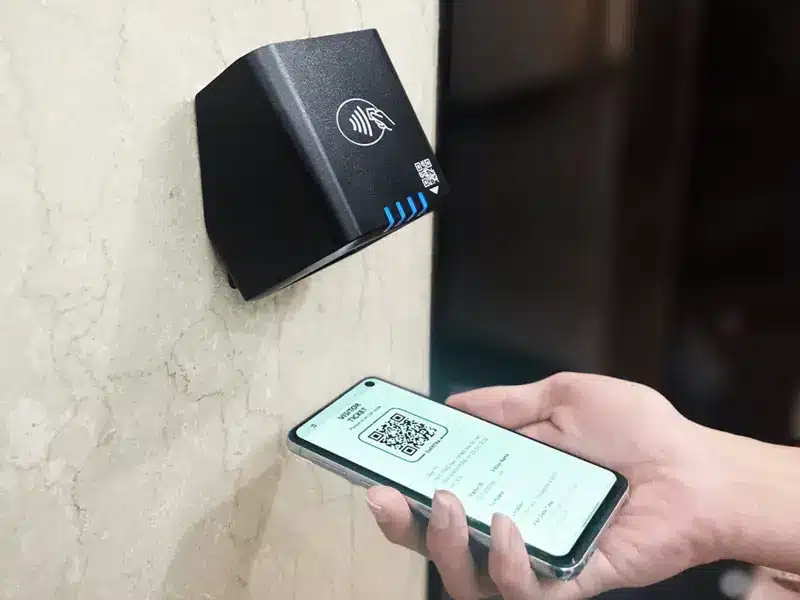
Visitors register using ID documents such as passports, work permits, or driving licenses, and are issued access rights scoped to the purpose of their visit.

High level interfacing with Schindler lift

Elevator access is restricted floor-by-floor by cardholder.

Visitor registration issues access rights scoped to the purpose of the visit.

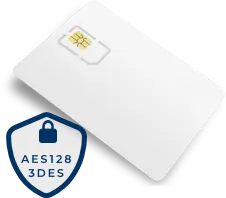
Credential security: anti-cloning cards guard against duplication — see the Anti-Cloning Access Cards solution.

What Is an Enterprise Security Management System?

Enterprise security management combines physical security and cybersecurity into one set of practices. Physical security protects people, buildings, and equipment. Cybersecurity protects the data and network connections that those same systems depend on.

An enterprise security management system has to address both, because a break-in and a network breach can each expose the same building and the same records.

Access control integrated with building automation for lighting and HVAC scheduling

On-Site vs. Cloud Hosting: Trade-offs, Costs & Control

The security management server can run on-site, in the cloud, or split between the two, depending on how much control your IT team needs over the physical server.

On-site hosting, on a physical server or a virtual machine, gives organizations with dedicated IT support full control over their security network. This suits organizations that handle highly sensitive data and want to keep it inside their own facility.

Cloud hosting shifts that hardware to a data center. This suits organizations that would rather not maintain the physical server themselves. Read more on the tradeoffs in this on-premise vs. cloud comparison.

Before choosing, run a risk assessment specific to your own facilities to identify which vulnerabilities matter most, then match the hosting model to that risk profile.

What Happens to Your Doors When the Server Goes Down?

Server hardware fails in different ways, such as an overheating processor or a failed hard disk. The Server Failover (SFO) module in IBSSweb is built for that scenario: it keeps a live, continuously synchronized copy of the database on a backup server and monitors the primary server’s heartbeat signal.

If the primary server stops responding, the backup takes over automatically, then reconnects to every access controller and operator workstation on the network — so the system keeps running without a manual restart.

Centralized Control for Multi-Site & Multi-Branch Organizations

Organizations with more than one site can delegate day-to-day control to each branch while still reporting into one central system. The Security Area (SA) module splits a single deployment into independent zones, each with its own administrator, while the head office keeps oversight across all of them.

This fits organizations with a head office plus distributed operations — manufacturing plants, warehouses, or retail branches — where each site manages its own day-to-day security without losing central visibility.

Native Integration With Active Directory & Leading HR Platforms

Automatic access updates from your HR system

The HR Database Integrator (HRDI) module syncs employee records between your HR system and IBSSweb over a CSV file exchange. When HR adds a new hire, processes a transfer, or logs a resignation, HRDI updates that person’s access rights in IBSSweb automatically, without a security administrator re-entering the change by hand.

Turning off access the moment someone resigns

IBSSweb also supports Active Directory (AD) single sign-on. At login, the system checks a user’s current AD credentials and applies the matching access rights. Once HR removes that person from Active Directory — for example, after a resignation — their access to IBSSweb and to every door tied to it is removed at the same time, with no separate manual step.

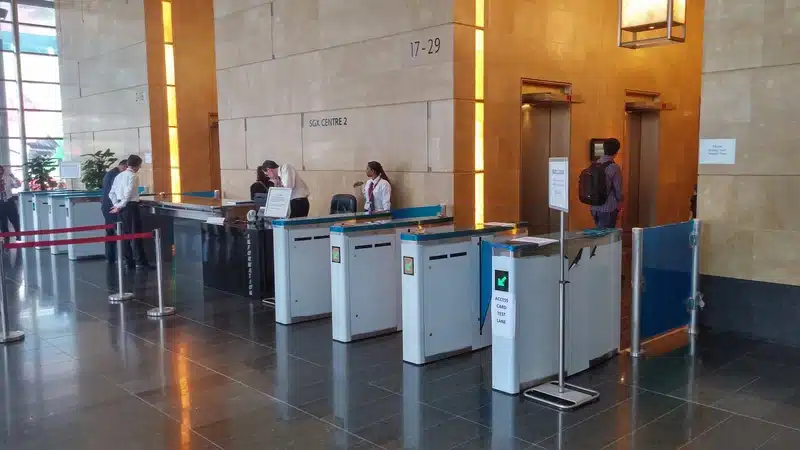
Access control system at SGX Centre 2 Singapore

IBSSweb Architecture: Servers, Controllers & Client Software

The diagram below shows how the access-control database, on-site controllers, and optional modules such as HRDI and SFO connect within a typical IBSSweb deployment.

HR / Payroll System Active Directory (AD Single Sign-On) IP Cameras (CCTV Integration) Third-Party Systems (Web Service API) IBSSweb Enterprise Security Management Server HRDI Sync CCTV Integration Visitor Management Web API Backup Server (Failover) SFO Security Area (SA) Module — independent zone per branch Branch A WebENTRA IP Controller Doors / gates at this branch Card Readers Contactless credentials at each door Operator Workstation Local branch administrator Branch B WebENTRA IP Controller Doors / gates at this branch Card Readers Contactless credentials at each door Operator Workstation Local branch administrator Branch C WebENTRA IP Controller Doors / gates at this branch Card Readers Contactless credentials at each door Operator Workstation Local branch administrator Data flow / integration Failover sync (heartbeat)

How the pieces connect: IBSSweb sits at the center, syncing with HR/Active Directory and IP cameras, mirroring continuously to a failover backup server, and pushing access rules out to each branch’s controllers, readers, and workstation.

Frequently Asked Questions

Either can work. On-site hosting, on a physical server or a virtual machine, gives your own IT team full control and suits organizations with highly sensitive data. Cloud hosting shifts server maintenance to a data center and suits organizations that would rather not manage that hardware themselves.

With the Server Failover (SFO) module, a backup server keeps a live, synchronized copy of the database and monitors the primary server’s heartbeat. If the primary stops responding, the backup takes over automatically and reconnects to every controller and workstation, so the system keeps running.

Yes. The Security Area (SA) module splits a single deployment into independent zones, each with its own administrator, while a head office keeps oversight across every branch from one central system.

Yes. The HR Database Integrator (HRDI) module syncs employee records between an HR system and IBSSweb, automatically updating access rights when HR processes a new hire, a transfer, or a resignation.

Yes, when Active Directory single sign-on is in use. The system checks a user’s current Active Directory credentials at login; once HR removes that person from Active Directory, their access to IBSSweb and every door tied to it is removed at the same time.

Who Trusts Enterprise Security Management

Enterprise security management applies wherever a facility needs to control who goes where, and prove it afterward. ASIS Technologies has deployed these systems across the following industries:

Why Security Directors Keep Choosing ASIS Technologies

ASIS Technologies has designed and manufactured integrated IP security solutions since 1996. As Strides Engineering — the SMRT-linked firm that has run ASIS systems since 2005 — put it, the systems have consistently exceeded our client’s expectations for reliability. At dnata Singapore’s Changi Airport cargo operation, cargo-discrepancy investigations dropped from about five hours to about two hours after adopting the system.

Schedule a Security Consultation With ASIS Technologies

Talk to a solutions architect about access control, video, visitor management, and multi-site deployment for your facilities.

Have a Question?
For assistance... For assistance... 65 6844 2141